Hey Everyone,
I want to keep my LaTeX code aligned for my MCQ answers. Is there a way to keep them more evenly spaced? I am referring to the distance the text is away from the bubble.
Hey Everyone,
I want to keep my LaTeX code aligned for my MCQ answers. Is there a way to keep them more evenly spaced? I am referring to the distance the text is away from the bubble.
Uh oh, something bad happened here. I’m getting an error when I go to that link so I can’t view your problem. We’ll have to try to fix that before I can make more progress on your question.
I may have moved it by mistake.
I get a big angry “Cannot read properties of undefined (reading ‘toLocaleLowerCase’)” when clicking on your link, which means we have some bug in our code that we need to fix. If you don’t mind not changing anything on it until we can troubleshoot, that’d be great. I want to be able to get to source of the bug and fix it.
In the meantime, could you copy the source of the document into a reply, preferably inside a preformatted text block (the </> button above)?
In a multiple choice, we don’t have a way of using any of the aligned math constructions across the different choices. Each math will be an independent MathJax instance. Inside an <m> tag, you can add any math that MathJax understands, such as \, or ~ for adding a little spacing. You could try manually adjusting the horizontal alignment by adding those to your math, though this workaround doesn’t sound very appealing.
It’s a bug in our new website setup where it isn’t redirecting from the private link to the shared link. We’re still investigating.
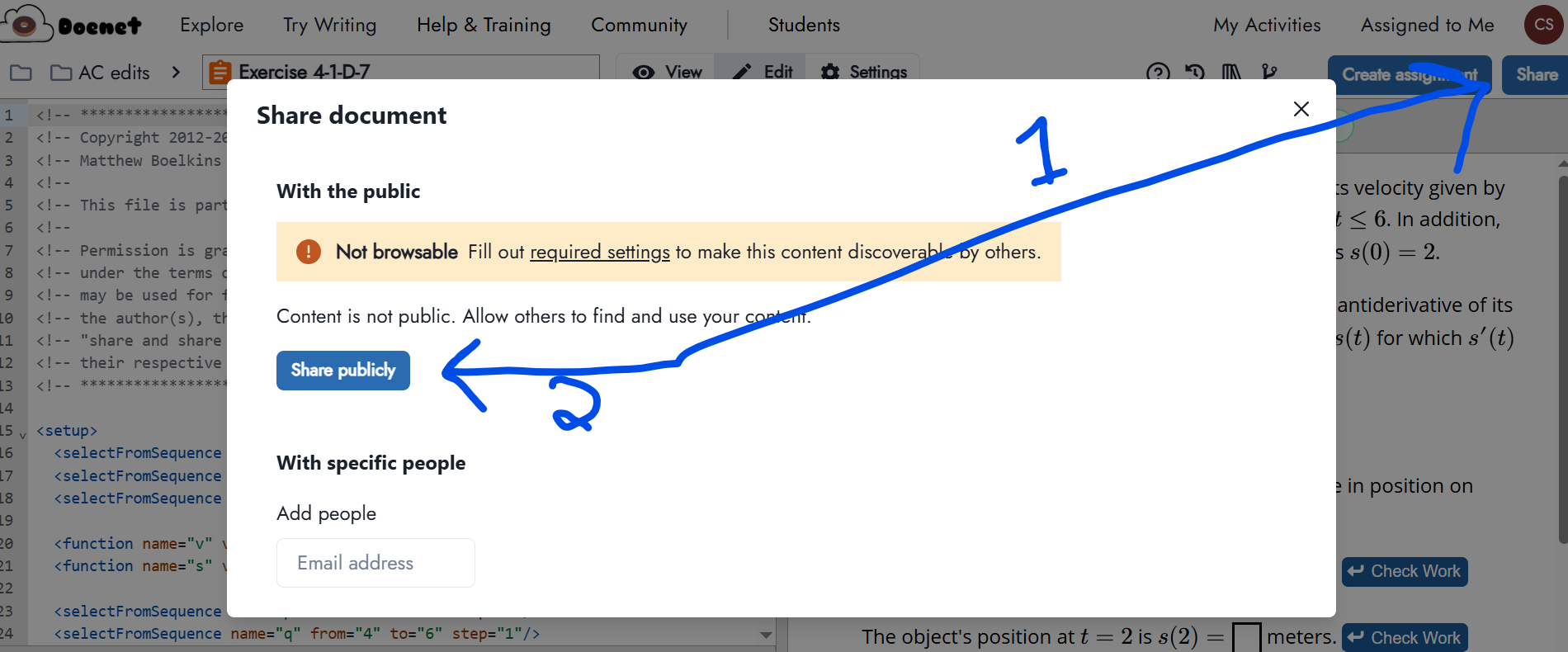
In the meantime, if you copy the URL from the document editor and give it to another person, it will crash. To get a link that works, you have to go to the Share button to get to the menu that Chrissy showed, and click the “Copy Shareable Link.”
Eventually, just copying from the URL will work again…
Fixed. Nick’s links above work now.
Weird. It kept erroring on me. I had to “Empty Cache and Hard Reload” before it worked, but now it works. Thanks for fixing it!
I still see the error in Chrome, even after deleting my cache. In Firefox also, and I hadn’t ever tried to view it in Firefox before.
I confirm that the error is back for me, as well.
Since the public URL for this doc also shows an error page, I’m guessing this isn’t a Doenet bug, Nick just changed the access.
But yes, we need a better “Not found” page.  (created an issue)