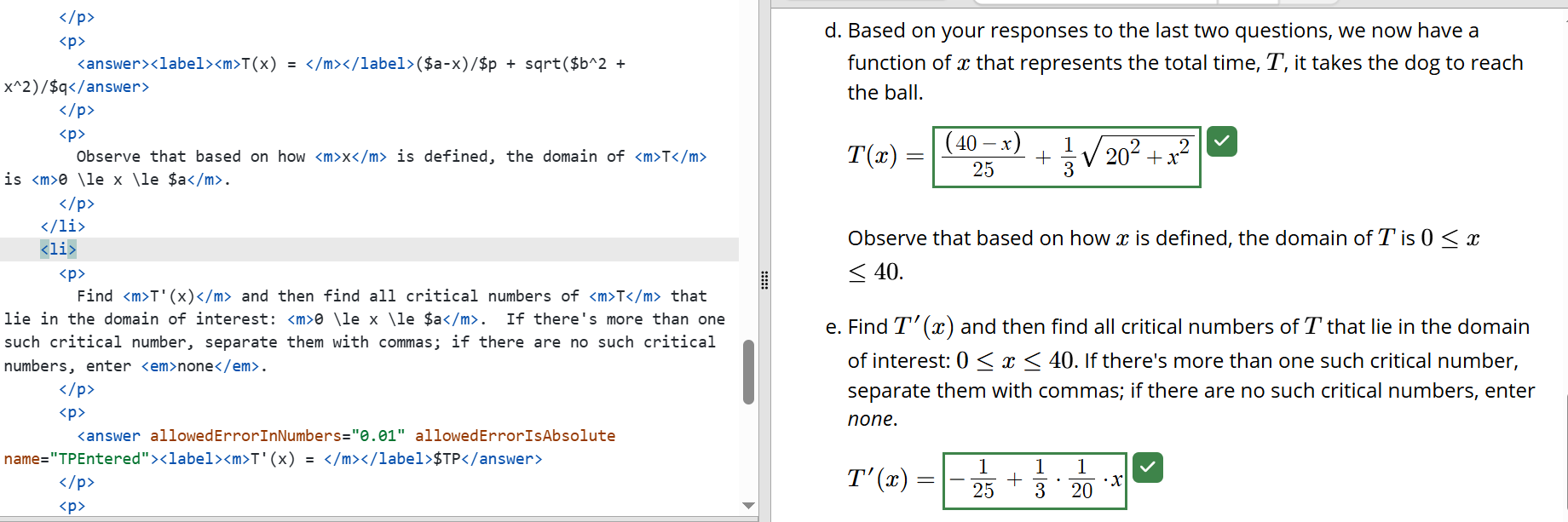
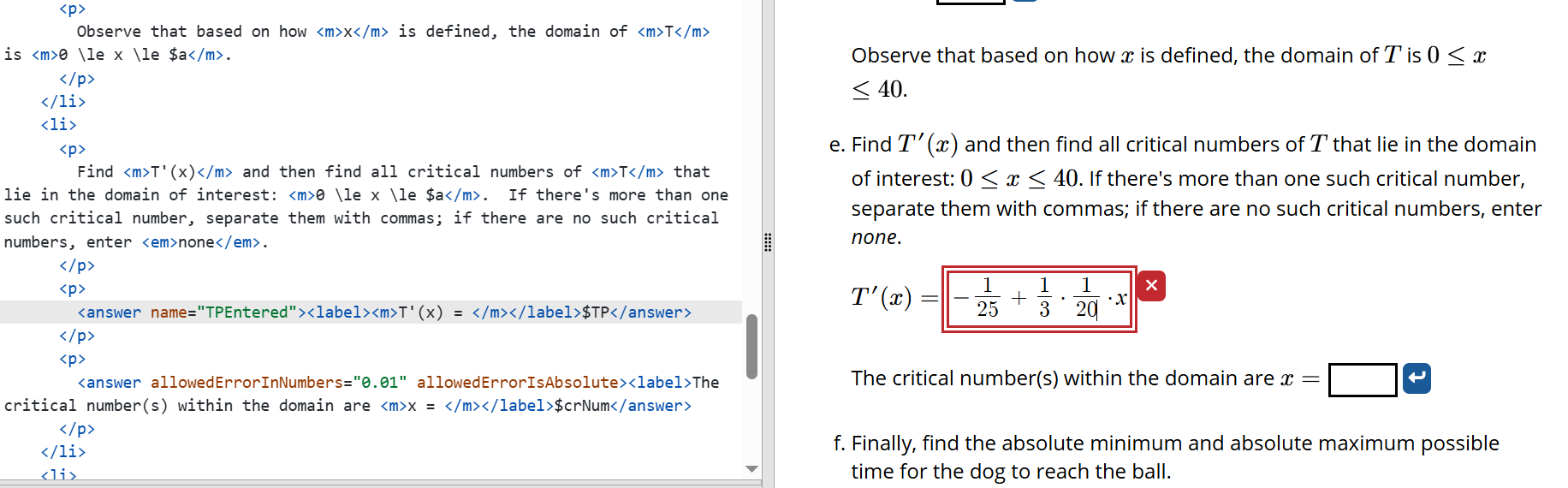
I ran across a confusing issue yesterday and today in several different problems. Doenet was marking some students answers correct that should not be correct. The common denominator is that the issue seems to be happening when there is an allowedErrorinNumbers and allowedErrorisAbsolute on answers expecting functions. I previously thought that would allow students to enter decimal approximations for coefficients, but wouldn’t substantively change the function, but that appears not to be the case. Removing those attributes seems to have fixed the issue, but at a cost of students now having to use exact expressions for numbers. Is this a bug or something I didn’t understand about how Doenet works?
TL;DR: allowedErrorInNumbers doesn’t work very well with the default numerical solver. You may have better luck with symbolicEquality.
For the default numerical solver, I’ve hard quite a hard time figuring out how to implement allowedErrorInNumbers. In that algorithm, answer checking is based on randomly selecting points in the complex plane and evaluating if the numbers obtained from the two expressions are “close enough”. I can identify the numbers in the expression (after simplification) and the epsilon I want to allow at those numbers, but I have to translate those tolerances to a tolerance in the evaluation of the expression for random values of all the parameters. The best I could come up with was to make a linear approximation around all the actual values of the numerical parameters. But, not surprisingly, the accuracy of such a linear approximation leaves a lot to be desired. If epsilon is anything but very small, the results can vary significantly if the expression is nonlinear.
I’ve had somewhat better luck with symbolicEquality and allowErrorInNumbers. There, if you allow any simplifyOnCompare, there still is a question of where the numbers land up after simplification. But, overall, the result ends up being more sane.
It’s been a number of years since I looked into this, but I ended up throwing up my hands and leaving it in the state you are now experiencing!
Thank you, I think using symbolicCompare and simplifyonCompare along with the error helps. It seems to mark everything right that I think to enter and is right, while not marking wrong things I enter correct. But students are frequently more creative with their answers than I am!