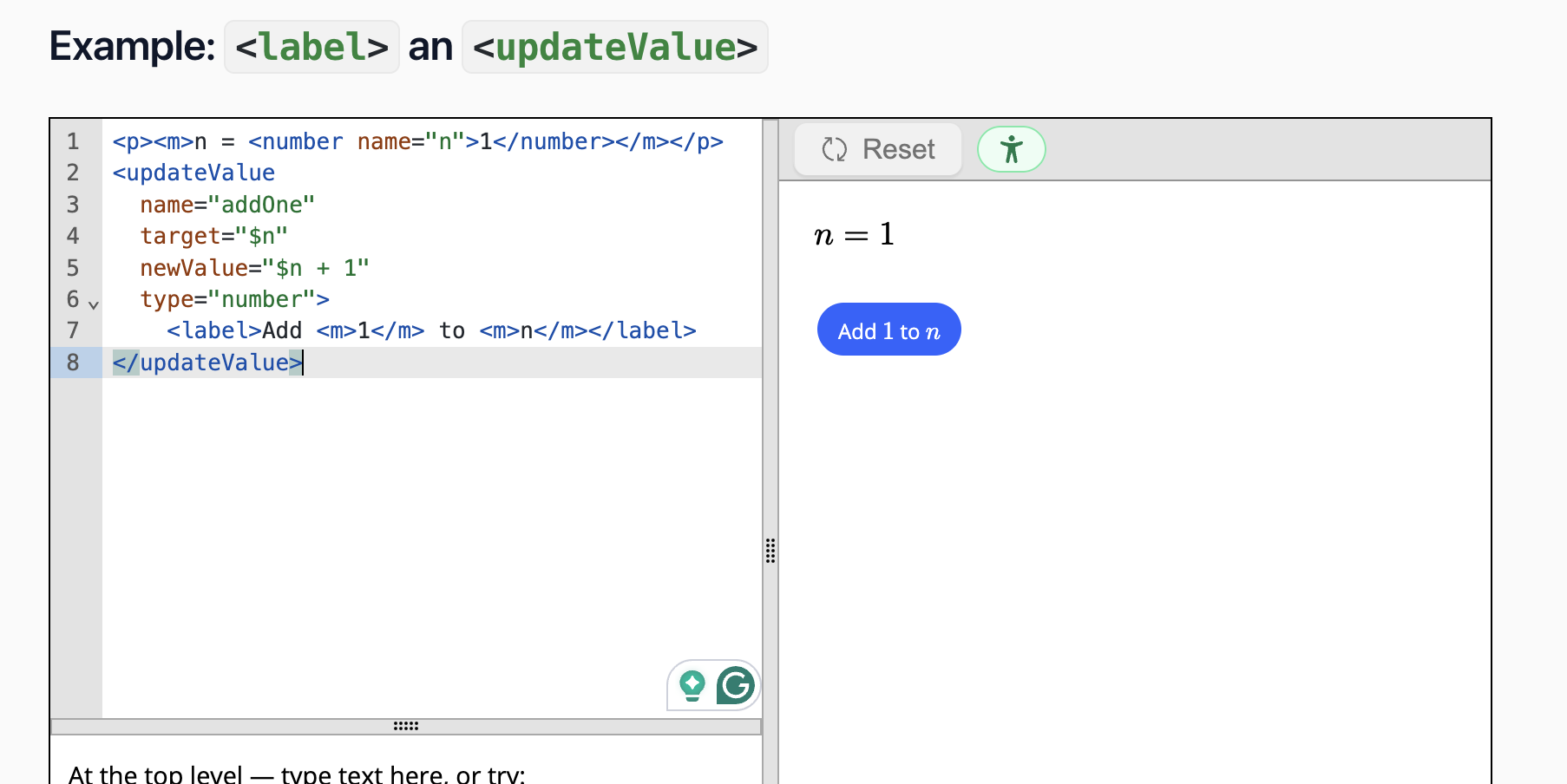
My button works fine with text, but when I add f(x)=\sqrt{x} , it no longer works. Is LaTeX or math not allowed in a call to action? I see from an example above on the documentation it is.
<callAction
  actionName="addChildren"
  target="$g">
    <curve>sqrt(x)</curve>
    <label> Plot <m>f(x)=\sqrt{x}</m> </label>
</callAction>
<graph name="g" size="medium"><shortDescription>graph of the parent function</shortDescription></graph>
Could you repost your code as text or send a link to an activity? That way I can test it without retyping it. Thanks!
EDIT: never mind. I see the screenshot was the example from the documentation.
The problem is that MathJax is stealing the clicks to the button if you click the mathematical expression. I reported the bug. I remember fixing that same issue for inline choice inputs.
Will this be something fixed in the near future? I am not sure how updates work for Doenet. I can’t just add text for now.
At least during the summer, we try to plan development work out in two-week cycles. We start a new cycle next week and can make sure it gets added to the list then. (Since this one appears to be quite simple, we might be able to get to it earlier, especially if there is demand.) If community members really want a fix or update soon, we try to be responsive.
As we fix bugs and add features, we are continually releasing new “dev” versions of the DoenetML software. To access this bleeding edge version, you can click on the Settings button for a document, scroll to the bottom, and switch the DoenetML version to “0.7dev”. (You may need to clear your browser’s cache or wait a day or so for it to grab the new version.)
We release new official versions of DoenetML on a variable schedule. During the summer, it’s been once every two weeks to one month. At that point, all activities with the default version 0.7 get the new updates and bug fixes. You can see the version number in the lower left corner of the editor. Right now, we are at 0.7.20.
I released a dev version with a fix. If you switch to version “0.7dev” (and possibly clear your browser cache or wait a day so that the version reads v0.7.20-dev.313 or later), then the button with math should work.
Thank you Duane, I will try it out this weekend!